 WOLFTRAIL STUDIO / ANDROID
Mock GPS
Put your app
to the location test.
Choose a point. Build a route. Move with the joystick. A practical location testing workspace for Android developers and QA teams.
Submitted to Google Play · awaiting review
Free with ads · English & Turkish · Android 7.0+
01 / POINTS
Start with a place.
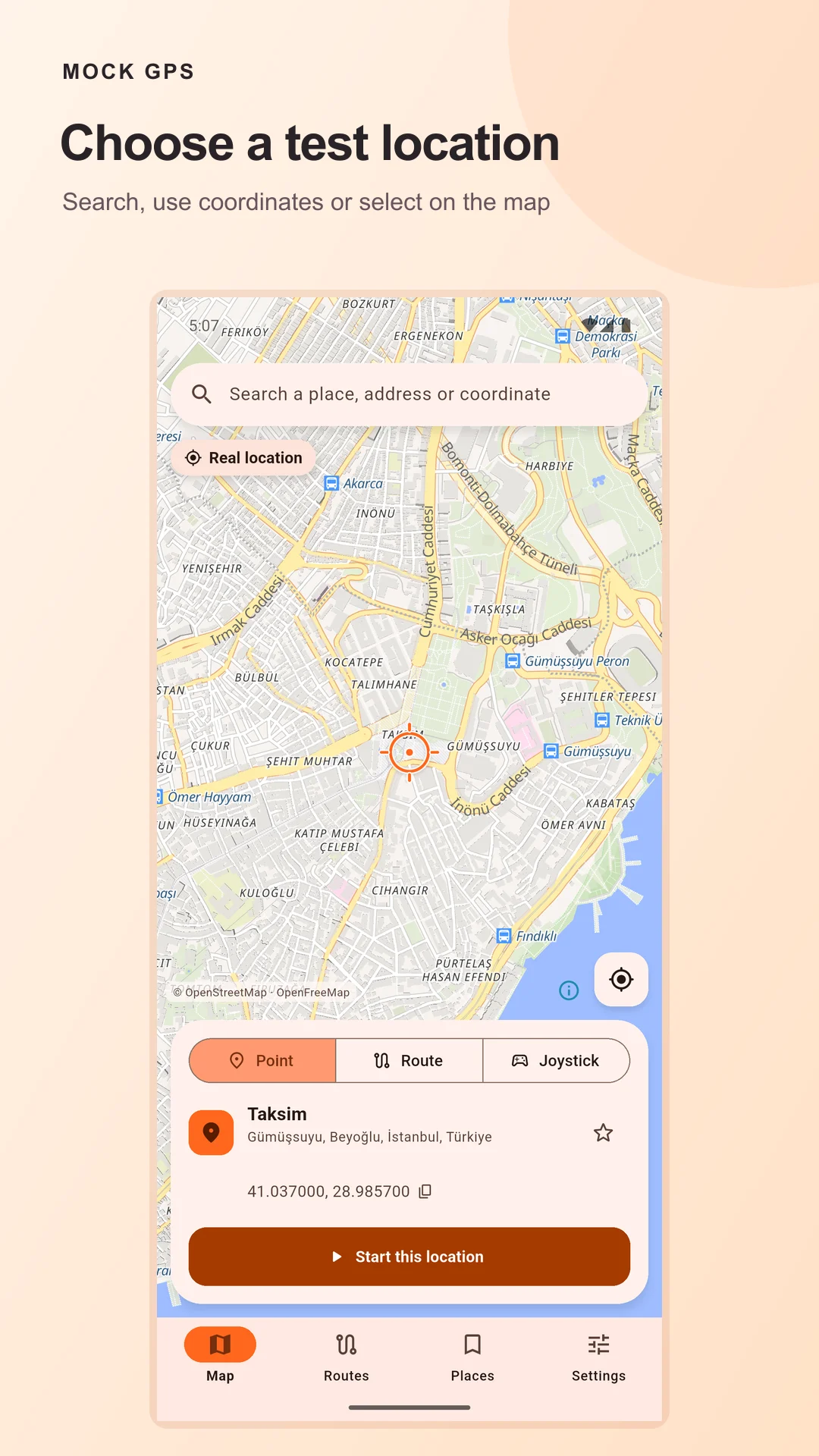
Search an address, enter coordinates or select a point on the map. Start and stop each simulated location session with visible controls.
02 / MOVEMENT
Test the journey.
Prepare routes with stops and waiting times, control playback speed, or use joystick movement. Optional floating controls support testing another app.
03 / YOUR WORKSPACE
Keep useful tests.
Organize saved places and routes with favorites and tags. Import or export GPX files and adjust accuracy, update interval and location jitter.
INSIDE MOCK GPS
See the actual app.
Genuine app screens with presentation framing.
No simulated interface artwork.
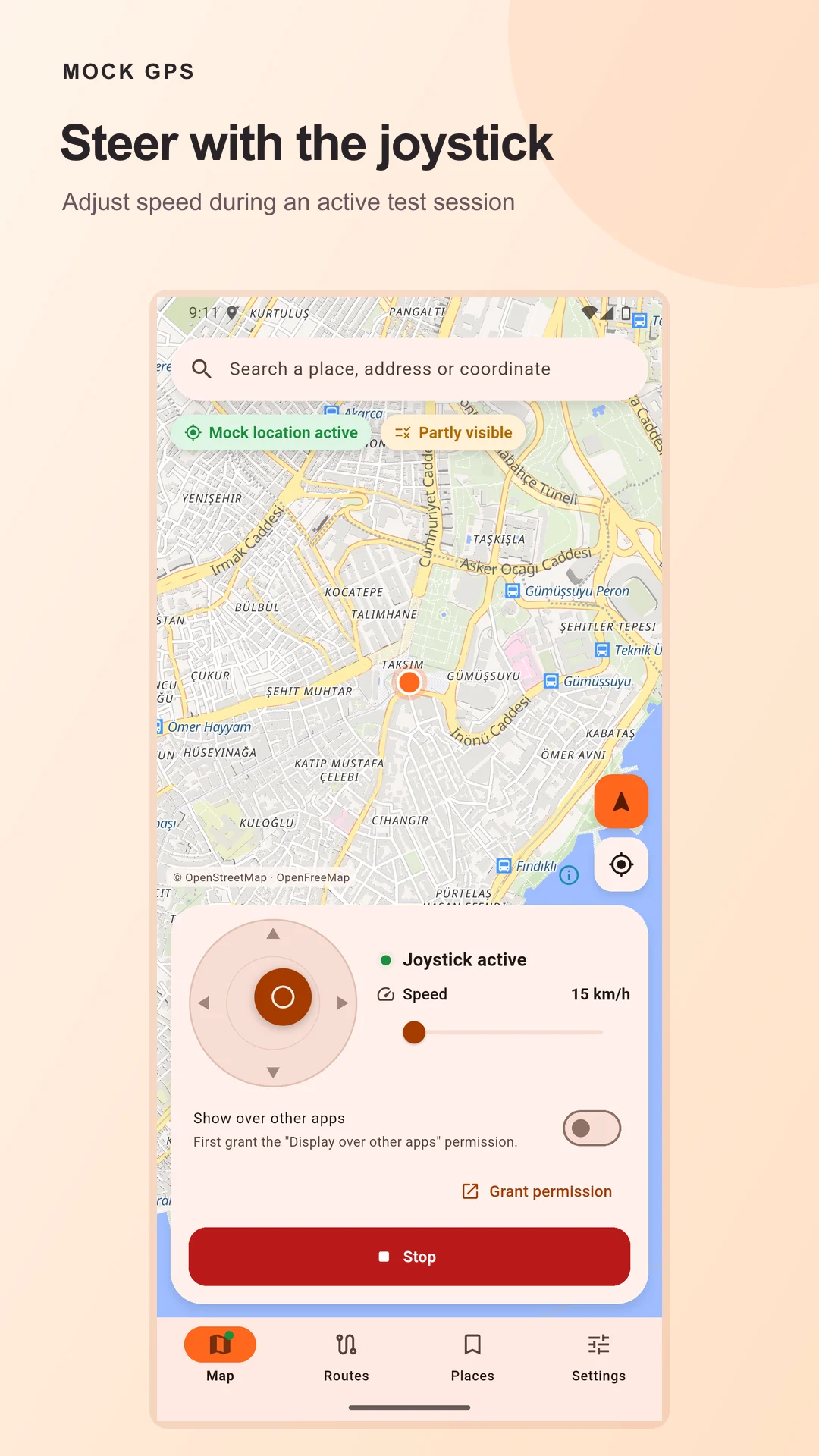
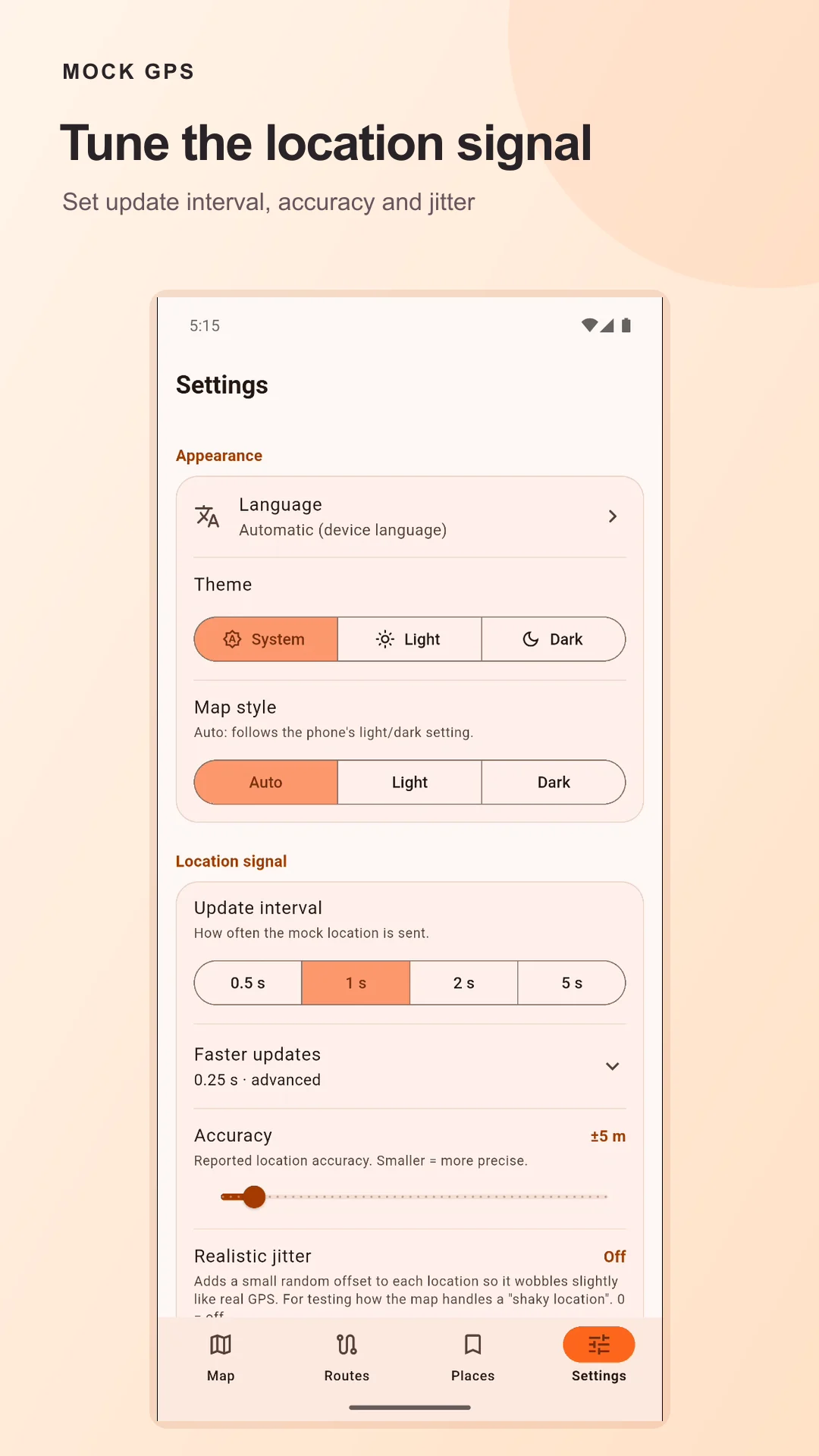
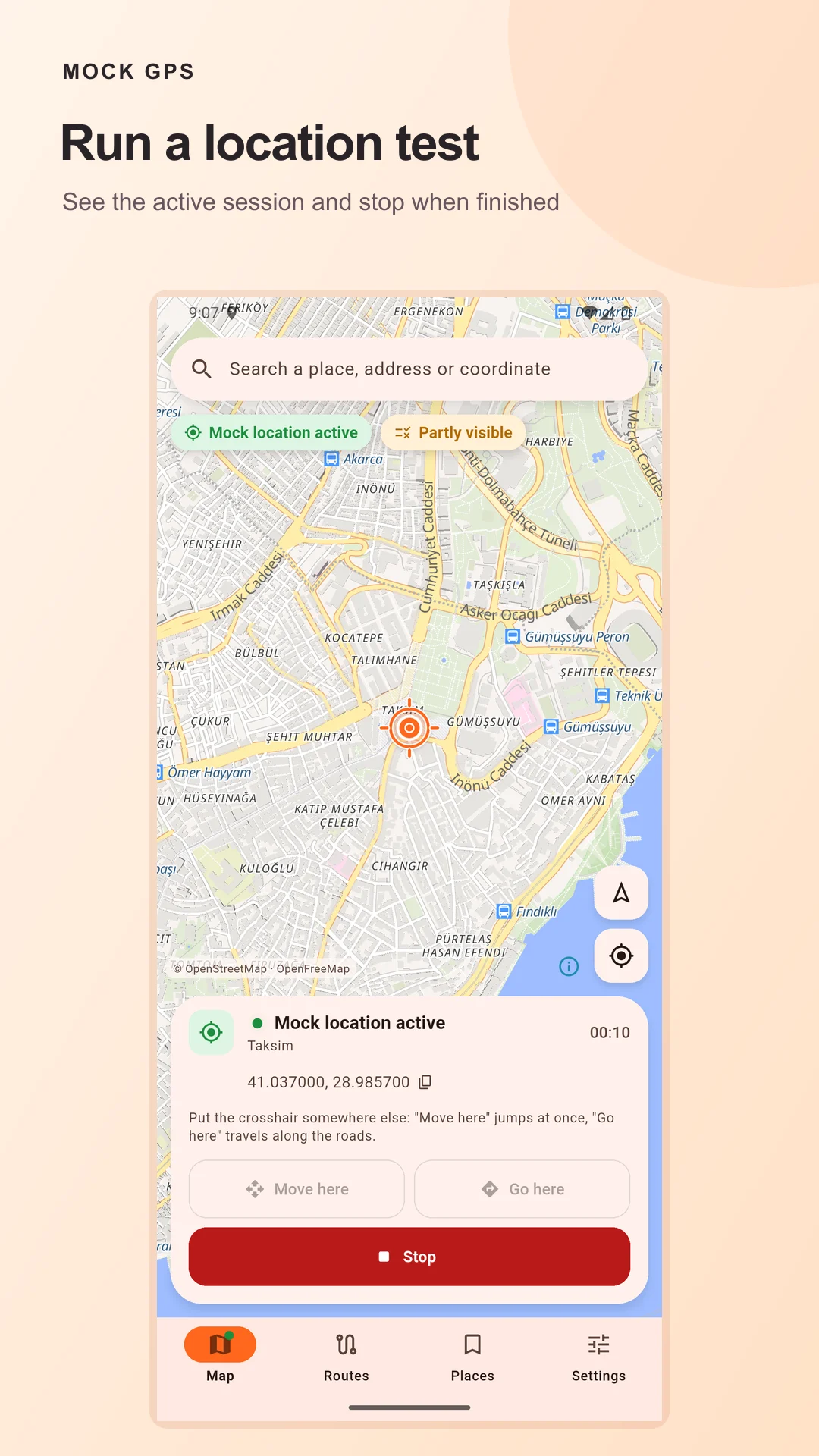
Scroll or use the arrow keys to browse. Select a screen to view full size.
BEFORE YOUR FIRST TEST
A few Android
setup steps.
- Enable Developer options.
In Android Settings, enable Developer options for your device.
- Select Mock GPS.
Choose Mock GPS as the mock location app. Grant location and notification permissions for your test session; overlay permission is optional for floating controls.
- Start an authorized test.
Select a location, route or joystick mode, then start the session. An ongoing notification keeps the session visible and gives you a Stop control.
PRIVACY & ADVERTISING
Know what connects.
Saved places and routes are stored on your device; no Wolftrail Studio account is required. Online maps, search and routing connect to their providers. AdMob serves eligible ads with privacy choices where applicable.
You can choose a rewarded ad for 60 minutes without eligible ads. Core location controls remain available when an ad is unavailable.
Read the full privacy policy →